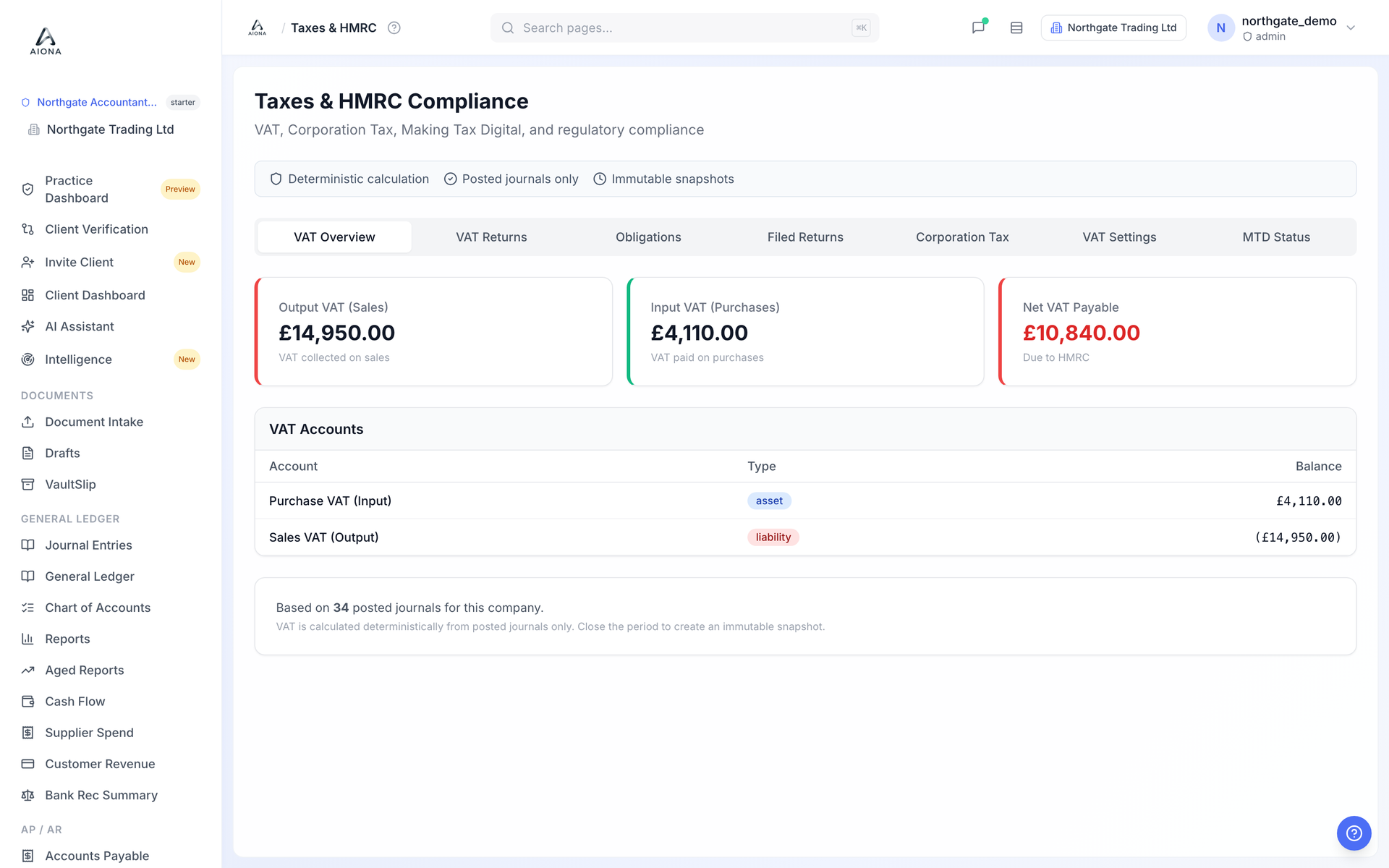
- Open Taxes & HMRC. The VAT Overview tab shows output VAT on sales, input VAT on purchases and the net position, with the two VAT control accounts underneath.
- The figures are calculated from posted journals only, so they change only when a journal posts. Drafts do not count.
- The VAT Returns tab shows the 9-box preview for a period. Export it as PDF for the file; the specimen on our website is exactly this export.
- Close the period when you are ready and AIONA freezes an immutable snapshot of the return alongside the ledger.
Live submission to HMRC unlocks when our software-recognition application completes. Until then you file through your existing route, and the product says so on the page.