Give a client their no-login page and their Monday email.
The live product on a demonstration book.
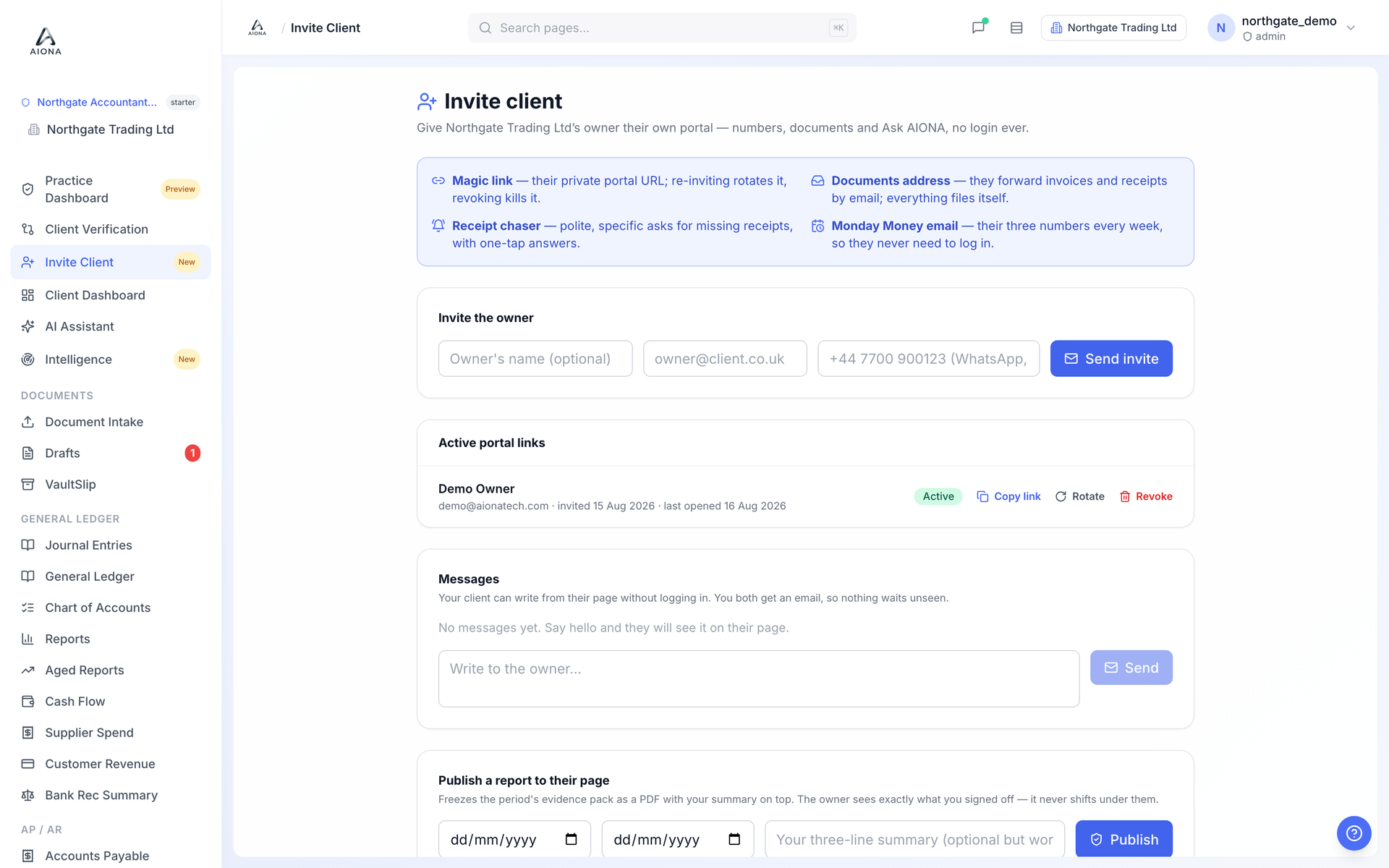
Open the client company, then Invite Client.
Enter the owner's name (optional) and email, and click Send invite. They receive an email with their private portal link. There is no password to set.
The link appears under Active portal links. Copy link lets you send it another way; Rotate kills the old link and issues a fresh one if it was forwarded; Revoke ends access.
From the moment the link is live, the client gets the Monday Money email each week under your practice's name, and can open their page any time from it.
The Messages box on this page is a two-way channel: you write to the owner, they reply from their page, and both of you get an email so nothing waits unseen.
Publish a report to their page freezes a period's evidence pack as a PDF with your summary on top, so the client sees exactly what you signed off.