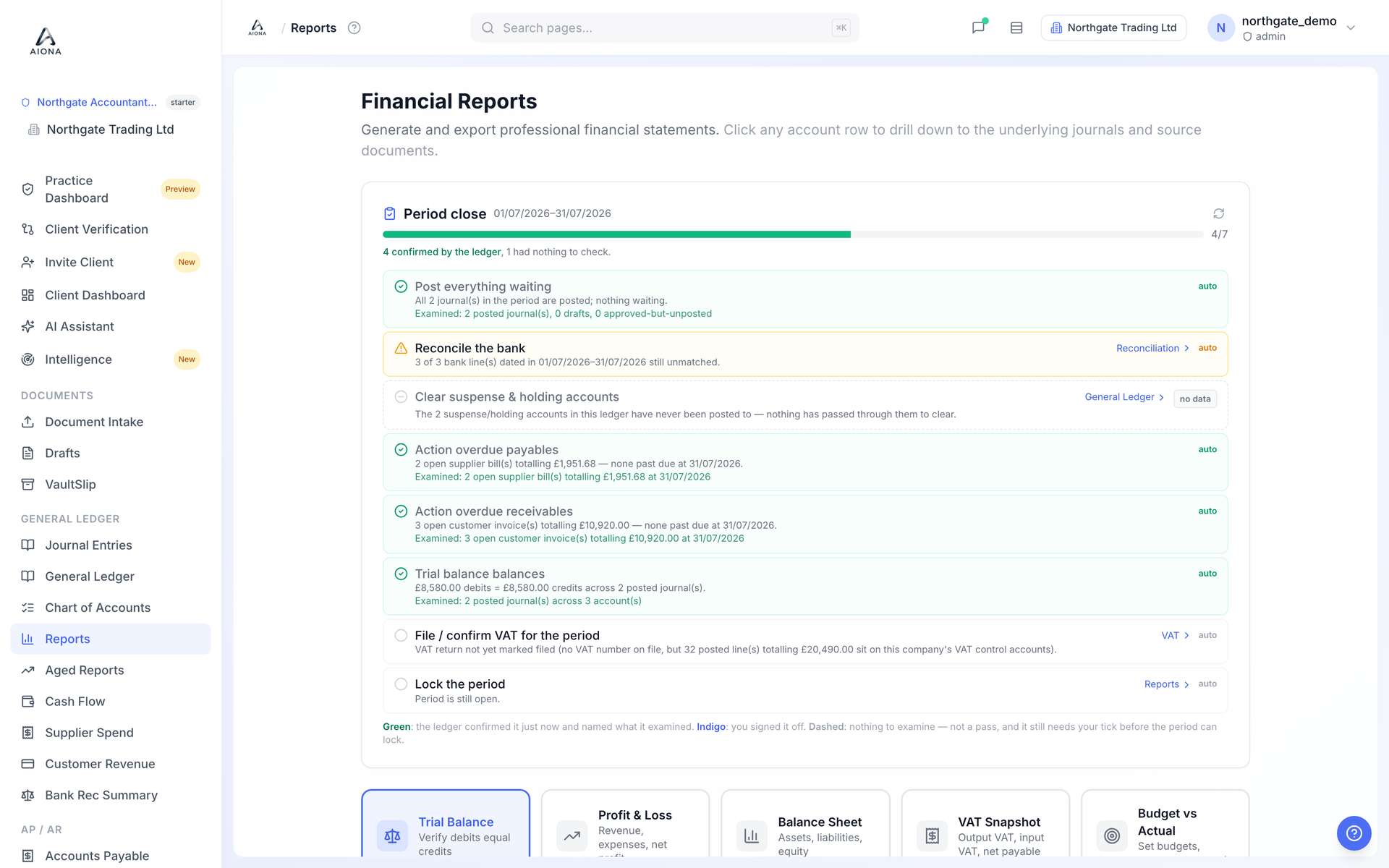
- Open Reports, choose the report and the period.
- Every figure drills down: click an account to see its activity, click a line to open the journal, click the journal to open the source document. Any number in any report traces to its receipt in three clicks.
- Export to PDF, CSV or Excel. The PDF exports use one house style across every report, and the numbers on the export are the numbers on the screen.
Aged receivables and payables are under Aged Reports; the customer statement and supplier payment-run tools are under Accounts Receivable and Accounts Payable.