AIONA Docs
Run month-end
Depreciation, prepayment releases and recurring journals in one run, with an undo.
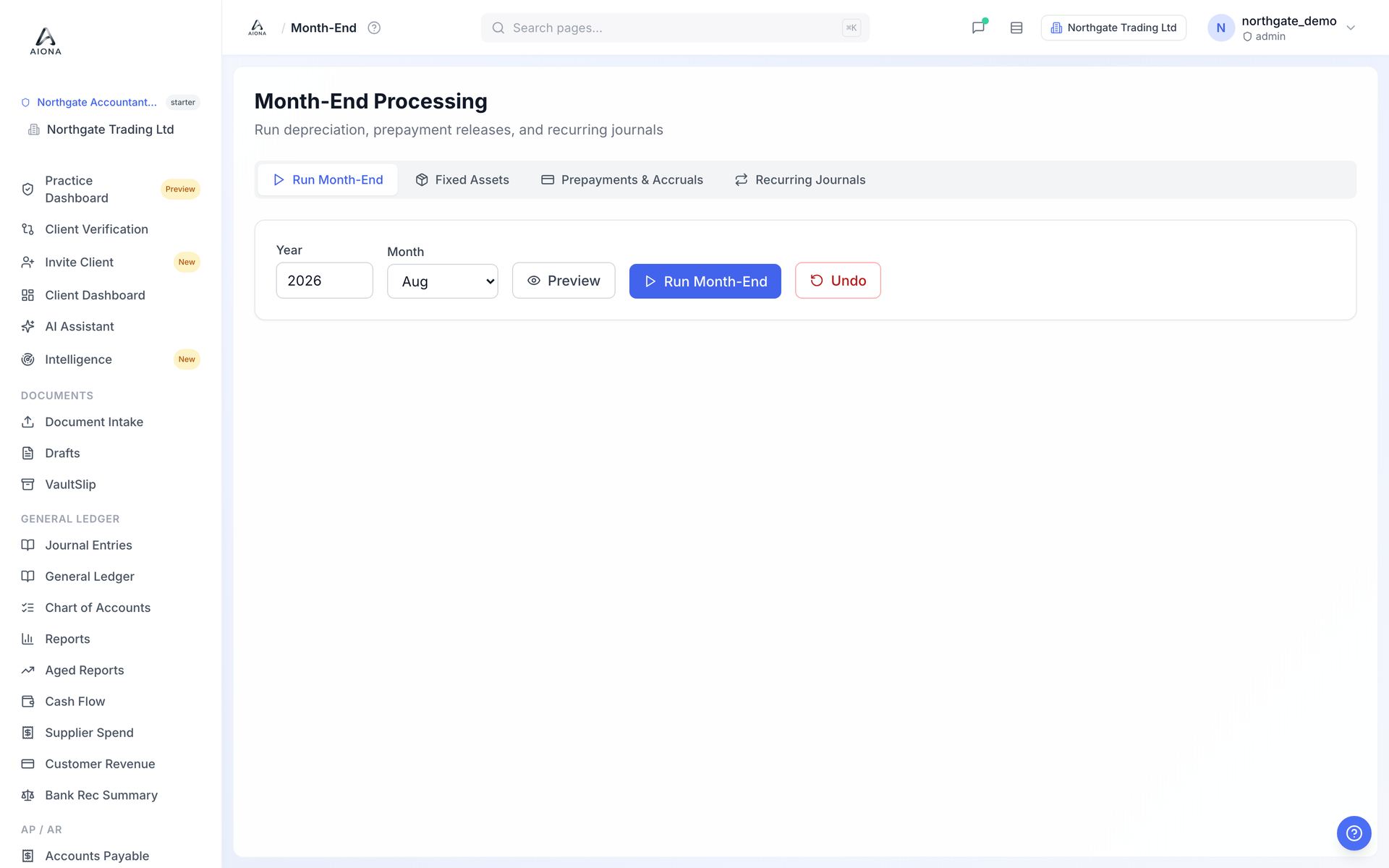 The live product on a demonstration book.
- Open Month-End. Set up what should run under the Fixed Assets, Prepayments & Accruals and Recurring Journals tabs; you only do this once per item.
- Back on Run Month-End, choose the year and month and click Preview. AIONA lists every journal it would post, with amounts, before touching the ledger.
- Click Run Month-End. The journals post as a batch and appear in Journal Entries with the run as their source.
- If something was wrong, Undo reverses the batch. The original journals stay in the trail; the reversal is recorded next to them.